Don't Lose Users to Slow Images on WordPress
Free image CDN for WordPress. No DNS changes. No setup required. Faster images instantly.
- Start free
- No credit card
- Can't break your site
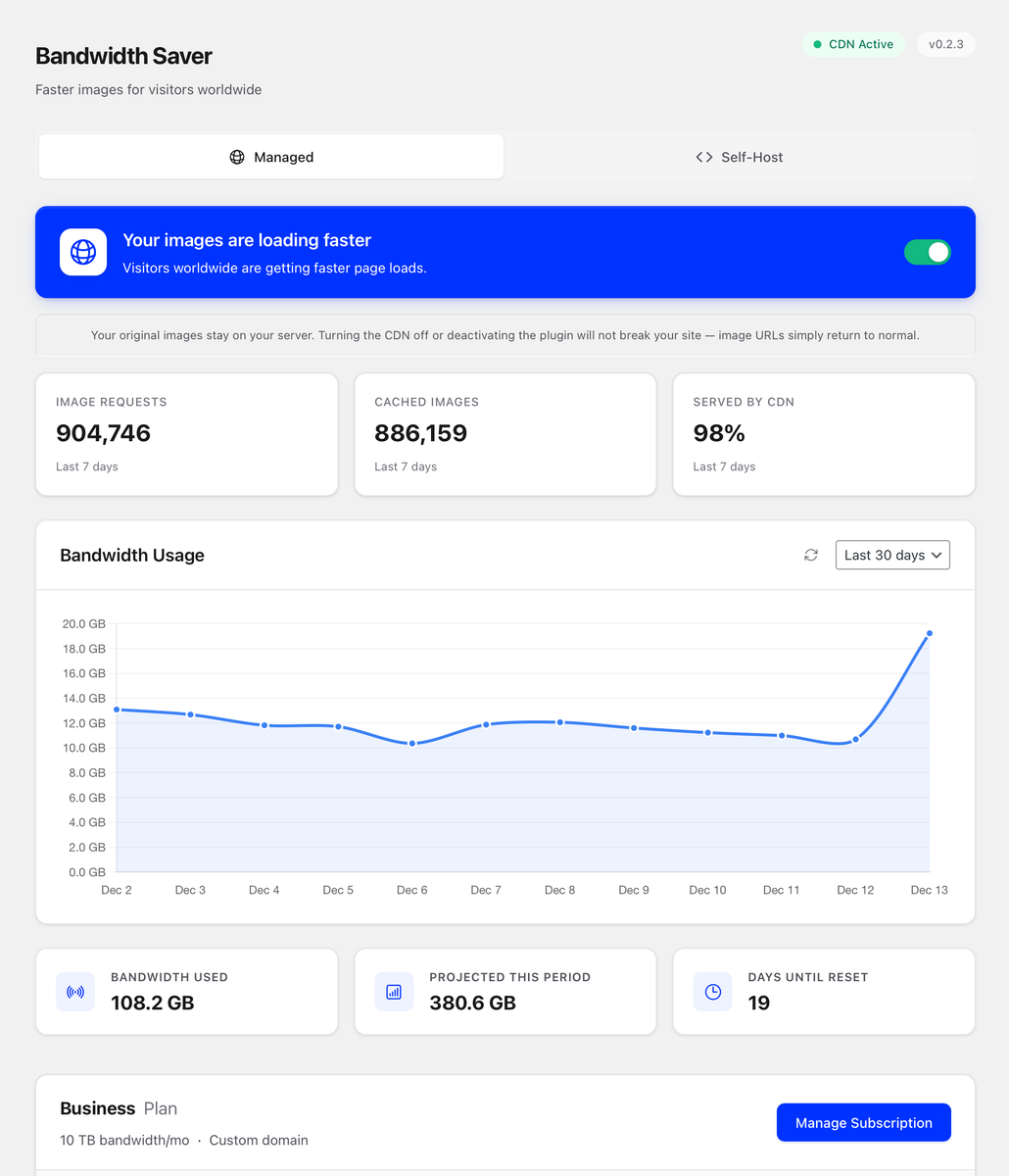
Setup in 60 Seconds
No technical skills. No external accounts. No DNS changes.
Install the Plugin
One click from your WordPress dashboard. No files to manage.
Activate Your Account
No passwords. No third party accounts. No long forms to fill out.
Flip the Switch
Images load faster instantly. From 300+ servers worldwide.
No fine print. Fast images.
Actually free
100 GB/month. No credit card. No trial that expires. Most sites never pay.
Can't break your site
Images stay on your server. The plugin only changes visitor URLs. Disable it and everything goes back to normal.
Zero config
No DNS changes. No external accounts. No server access. Install, flip the switch, done.
Fast everywhere
300+ servers worldwide. Your visitor in Tokyo loads from Tokyo. Your visitor in London loads from London.
Works with your favorite tools


Free for most. Pay only what you need.
100 GB/month covers most WordPress sites. The average site uses 5-10 GB.
Free Tier
- 100 GB bandwidth per month
- 300+ global edge locations
- Works with any WordPress host
- Automatic fallback protection
- No credit card required
Need more? Plans from $4.99/month for high-traffic sites. No contracts.
"I built Bandwidth Saver because I needed a safe, zero-config CDN for my own WordPress sites. It does one thing — makes images faster — and stays out of the way."
Common Questions
Will this break my site?
No. Your original images stay on your server. The plugin only changes image URLs on the front end. If the CDN is ever unreachable, images automatically load from your server. Disable the plugin anytime and everything returns to normal instantly.
Do I need to touch DNS or Cloudflare?
No. Everything happens inside WordPress. You don't need a Cloudflare account, DNS changes, or any technical setup. Install, toggle on. That's it.
Is the free plan actually usable?
Yes. 100 GB/month is enough for most small to medium sites. The average WordPress site uses 5-10 GB. We designed it so the majority of sites never need to pay.
What happens if I exceed 100 GB?
Images temporarily load directly from your server instead of the CDN. Nothing breaks. Your site keeps working normally. Upgrade anytime if you need more consistent CDN delivery.
Does it work with WooCommerce and page builders?
Yes. Works with WooCommerce, Elementor, Divi, Gutenberg, and any theme. Automatically detects and serves all images through the CDN.
Do I need to create an account?
No. Just flip the switch and you're live. No email, no password, no signup form. If you upgrade later, you'll enter your email for billing — but the free tier requires nothing.
Try it. It takes 60 seconds.
If you don't like it, uninstall. Nothing changes.
Install NowNo credit card. No fine print. No DNS changes.